We have officially moved past the era of blind guesswork in AI image generation. You no longer need to spam fifty unrelated artist names into a text box to get a decent result.
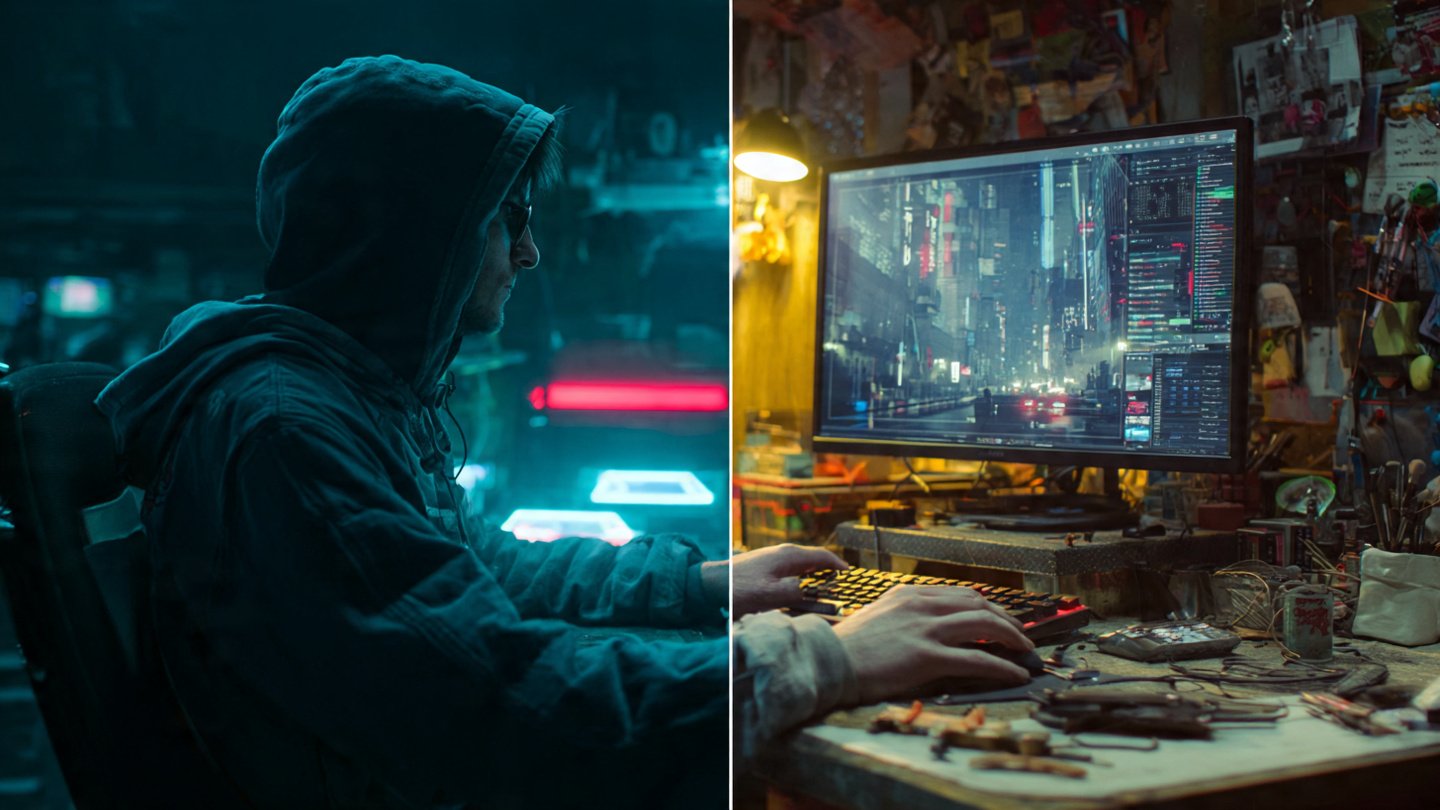
Right now, two giants dominate the high-end generative image space: Midjourney v6 and FLUX.1 by Black Forest Labs. Both produce photorealistic, jaw-dropping visuals. Yet, under the hood, their text encoders speak entirely different languages. Treat FLUX like Midjourney, and you get stiff, uninspired outputs. Treat Midjourney like FLUX, and the model ignores half your instructions to paint whatever it wants.
To get exactly what you picture in your head, you must adapt your prompt engineering strategy to match the specific architecture of the model you are using. Here is exactly how to shift your syntax, structure, and vocabulary when moving between FLUX and Midjourney.
The Core Philosophy: Aesthetic Intuition vs. Literal Adherence
Understanding how these models “think” saves you hours of frustrating iterations.
Midjourney operates heavily on aesthetic bias. The model wants to make things look beautiful, dramatic, and highly stylized. It reads your prompt, hunts for high-impact visual keywords, and then fills in the blanks using its massive, highly curated training data. If you leave out details, Midjourney invents them. It thrives on poetic descriptions and specific photographic terminology.
FLUX is a completely different beast. Powered by a massive T5xxl text encoder, FLUX is aggressively literal. It understands natural language, complex grammar, and spatial relationships better than almost any open-weight model available today. FLUX does exactly what you tell it to do. If you write a boring, bare-bones prompt, FLUX hands you a boring, bare-bones image. It does not fill in the blanks with dramatic lighting unless you explicitly ask for it.
Syntax Breakdown: How to Talk to Each Model
Your sentence structure dictates your success. Let’s break down the mechanics.
Midjourney: The Keyword Salad and Parameter System
Midjourney reads prompts sequentially. Words at the very front of the prompt carry massive weight. Words at the end barely register. Because Midjourney uses a combination of CLIP encoders, it responds beautifully to comma-separated lists of descriptive tags.
You do not need perfect grammar. You need impact. Drop the connector words (“and,” “the,” “with”). Focus on heavy-hitting adjectives, exact camera models, lighting setups, and your aspect ratio parameters.
If you are building a prompt for Midjourney, structure it like this:
[A battle-worn medieval knight kneeling in the mud] + [heavy plate armor covered in deep scratches and dried blood] + [dark fantasy battlefield, smoke billowing in the background] + [cinematic backlighting, golden hour sun flaring through the mist] + [shot on 35mm lens, gritty, hyper-detailed] + [–ar 16:9 –style raw –v 6.0]
Notice the heavy reliance on aesthetic tags and the technical parameters at the end. That is how you control Midjourney.
FLUX: Natural Language and Descriptive Paragraphs
FLUX hates keyword salads. If you feed FLUX a string of comma-separated tags like “knight, sword, muddy, cinematic, 8k, masterpiece,” the T5 encoder gets confused. It expects sentences.
To engineer a prompt for FLUX, you must write like a novelist describing a scene to a blind person. Use prepositions. Define where things are located. Use full sentences. FLUX does not use dash-parameters like –v 6; you control the aspect ratio in the generation UI, leaving your prompt entirely focused on the scene.
If you are building a prompt for FLUX, format your structure like this:
[A wide-angle shot of a battle-worn medieval knight kneeling in thick, wet mud in the center of the frame.] + [The knight is wearing heavy silver plate armor that is deeply scratched and stained with dark blood.] + [In the background behind the knight, a dark fantasy battlefield is obscured by thick grey smoke.] + [Warm golden sunlight breaks through the smoke from the upper right, casting long dramatic shadows across the mud.] + [The image has a gritty, photorealistic documentary aesthetic with sharp focus on the knight’s helmet.]
See the difference? We replaced the tags with directional language (“in the center of the frame,” “from the upper right”).
Mastering Typography and Exact Text Rendering
Rendering legible text inside an image used to be impossible. Now, it is just a matter of knowing the syntax.
Midjourney v6 finally introduced decent text generation. To get text in Midjourney, you must wrap the exact words in quotation marks and keep the surrounding prompt relatively simple. Midjourney still struggles with long phrases.
Example: A neon sign glowing in the dark reading “OPEN LATE”.
FLUX dominates text generation. It rarely misspells words, even in complex fonts or unusual placements. You can ask FLUX to write a paragraph on a crumpled piece of paper, and it will execute it flawlessly. You do not always need quotation marks with FLUX, but using them guarantees accuracy.
Example: A close-up of a dirty coffee cup sitting on a diner table. The side of the cup has the words “Joe’s Diner” printed in bold red retro font. Underneath that, smaller black text reads “Best Coffee in Town”.

Spatial Awareness and Composition Control
If you want a red apple on the left side of a table and a green pear on the right side, Midjourney will fight you. It suffers from concept bleeding. It will likely give you a red pear, a green apple, or merge them together. Controlling precise placement in Midjourney requires complex multiprompting or using third-party panning tools.
FLUX understands spatial mapping out of the box. Because the T5 text encoder processes the entire prompt contextually, it maps objects exactly where you tell it to.
To get perfect composition in FLUX, use explicit location markers:
- “In the foreground…”
- “On the extreme left side of the frame…”
- “Directly behind the subject…”
- “Hovering three feet above the ground…”
This makes FLUX the superior model for commercial mockups, graphic design assets, and highly specific storyboarding where placement matters just as much as the aesthetic.
Streamlining Your Workflow
Memorizing the exact syntax quirks for both models takes time. If you rapidly switch between Midjourney for your artistic concepts and FLUX for your literal text renderings, building these prompts manually slows down your workflow.
Instead of writing everything from scratch, leverage an intelligent tool. You can use the core AI prompt generator on Promptsera to instantly format your raw ideas into model-specific syntax. If you want to dive deep into Midjourney’s parameter systems without memorizing the difference between –stylize and –chaos, fire up a specialized Midjourney prompt generator to automatically append the perfect weights and tags to your base concept. This allows you to focus purely on creative direction while the tool handles the structural engineering.
Final Verdict: Which Model Wins?
Neither model universally replaces the other. They are specialized tools meant for different jobs.
Use Midjourney when you want magic. If you need breathtaking concept art, surreal illustrations, or moody photography where the AI takes the creative lead, Midjourney’s aesthetic bias is unmatched. It makes beautiful things easily.
Use FLUX when you demand control. If you need accurate text, precise object placement, literal adherence to complex instructions, and zero creative hallucination, FLUX is your engine. Talk to it like a human, be overly descriptive, and it will build exactly what you ask for.
Master both syntaxes, use the right generators to speed up your process, and you will dominate every aspect of AI image creation.