The “Blank Canvas” Paralysis
You stare at the blinking cursor. You have a concept in your head—a sprawling cyberpunk city, or maybe a quiet, emotional portrait of an old sailor. You type “cool cyberpunk city” into the prompt box. You hit enter.
The result? A blurry, generic mess that looks like a bad video game screenshot from 2005.
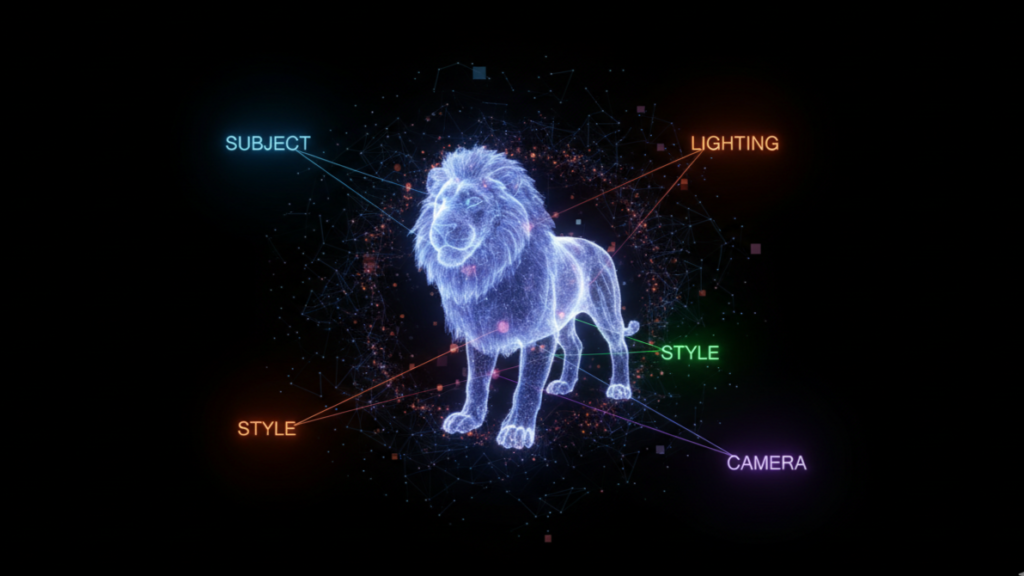
The gap between your imagination and the AI’s output isn’t a lack of creativity; it is a lack of syntax. AI models like Midjourney, Stable Diffusion, and DALL-E 3 are not mind readers. They are pattern matchers. They need a specific sequence of data points—a formula—to understand exactly what you want.
Think of prompting like ordering a complex coffee. You don’t just say “coffee.” You specify the size, the bean, the milk, the temperature, and the toppings. If you leave a variable out, the barista (or the AI) guesses. And they usually guess wrong.
We have reverse-engineered the most successful generations from the top AI artists to bring you these 7 foundational formulas. You can plug these structures directly into the Promptsera AI Generator to build them instantly, or you can learn the manual syntax below to take full control of your render.
Here are the 7 formulas that will stop you from generating noise and start generating art.
1. The “National Geographic” Portrait Formula
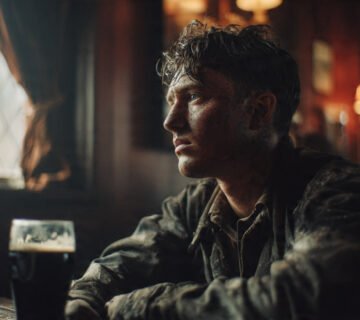
Creating a human face that doesn’t look like a plastic doll is the holy grail of AI art. The secret here is imperfection. You must force the AI to render the flaws that make us human: pores, stray hairs, and asymmetry.
The Theory:
You need to specify a focal length (usually 85mm or 100mm) to flatten the facial features attractively, and you need to define the skin texture explicitly.
The Formula:
[Subject + Age + Ethnicity] + [Specific Skin Texture Details] + [Clothing/Context] + [Lighting Setup] + [Camera Lens + Settings] + [–style raw]
The Example:
[A 60-year-old Tibetan monk with deep laugh lines] + [weathered skin texture, visible pores, sunspots, slight stubble] + [wearing crimson robes, sitting in a dim monastery] + [single shaft of sunlight hitting the face, Rembrandt lighting] + [shot on Canon R5, 85mm portrait lens, f/1.8, shallow depth of field, sharp focus on eyes, –v 6.0 –style raw]
Notice the detail in the second bracket? “Weathered skin” and “sunspots” tell the AI to avoid smooth, airbrushed textures.
2. The Cinematic Storyteller Formula
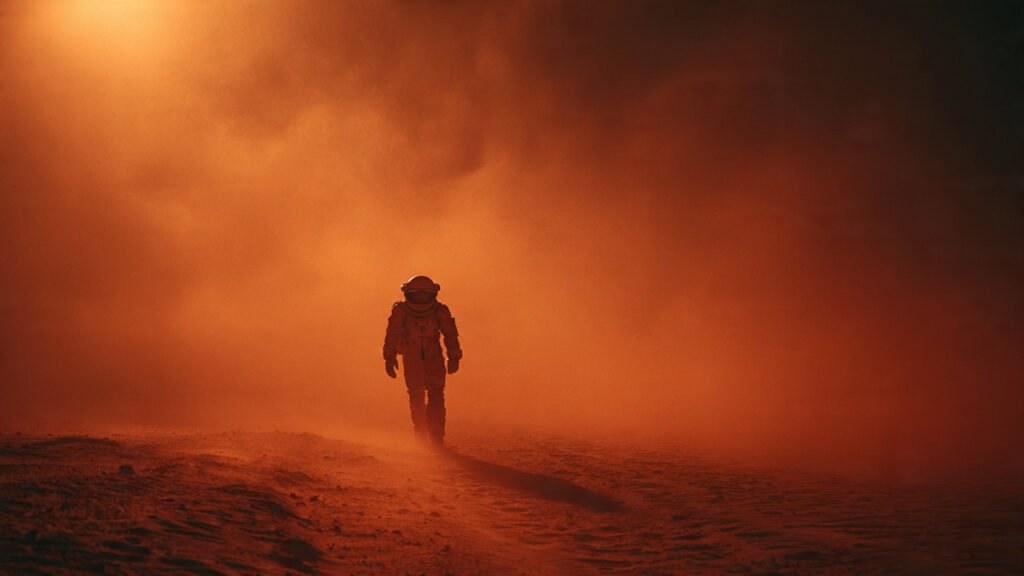
This is for when you want a shot that looks like it was paused from a blockbuster movie. The key here is aspect ratio and atmosphere. Movies are rarely square; they are wide. And they are rarely clean; they have grain, smoke, and mood.
The Theory:
Use an anamorphic aspect ratio (2.39:1) and describe the “air” in the room (dust, fog, smoke).
The Formula:
[Subject + Action] + [Environment + Atmosphere] + [Camera Angle] + [Lighting + Color Grading] + [Film Stock] + [–ar 2.39:1]
The Example:
A weary detective leaning against a brick wall, smoking a cigarette, rain-soaked alleyway at night, steam rising from vents, neon reflections on wet pavement, low angle shot, Dutch tilt, cyan and orange color grading, harsh noir shadows, practical street lights, Kodak Vision3 500T film stock, heavy grain, cinematic blur, –ar 2.39:1 –stylize 250
3. The Isometric 3D Asset Formula
Game developers and designers love this one. It creates those cute, tiny, diorama-style worlds floating in a void. It is perfect for icons, game assets, or architectural concepts.
The Theory:
You must use the word “Isometric.” This locks the camera to a specific 30-degree angle used in engineering and strategy games. You also want a solid background to make cutting the object out easier later.
The Formula:
[Subject + Miniaturized Context] + [Viewpoint] + [Material/Render Style] + [Background] + [Lighting]
The Example:
[A cozy magic potion shop inside a hollowed-out giant mushroom] + [isometric view, cutaway section showing interior shelves] + [3D render, claymorphism style, soft rounded edges, matte finish] + [clean white background, studio lighting] + [soft shadows, ambient occlusion, Unreal Engine 5 render, highly detailed, 8k]
4. The Digital Surrealist Formula
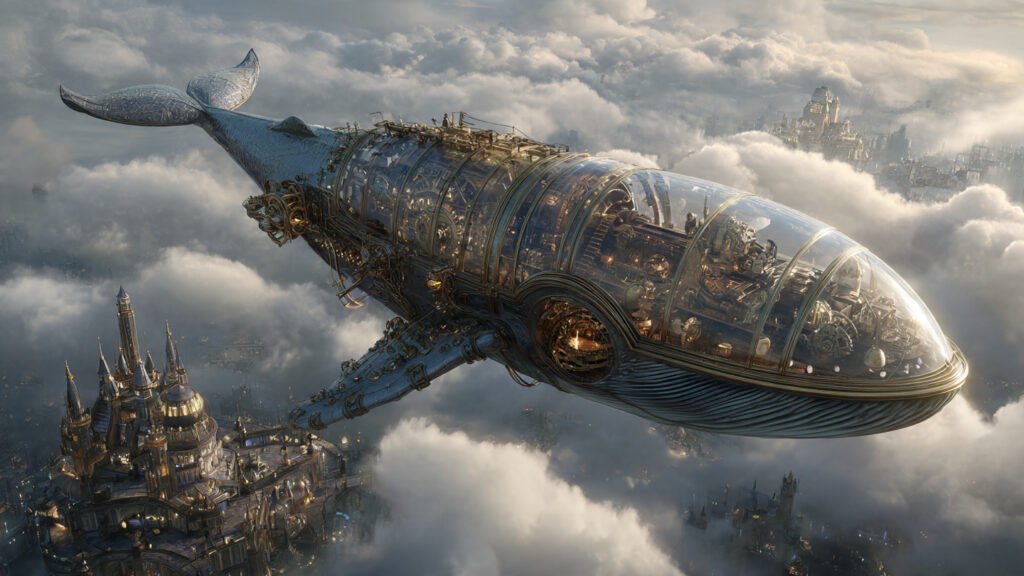
This is where AI shines—creating things that cannot exist in reality. However, if you just type “weird stuff,” it looks messy. You need to ground the surrealism with a specific art style.
The Theory:
Combine two contradictory concepts (e.g., “Ocean” and “Bedroom”) and bind them together with a cohesive rendering style like “Double Exposure” or “Bioluminescence.”
The Formula:
[Subject A merging with Subject B] + [Conceptual Action] + [Artistic Technique] + [Color Palette] + [Mood]
The Example:
[A human silhouette made entirely of flowing constellations and galaxies] + [walking through a forest of giant glowing mushrooms] + [double exposure photography, dreamscape] + [deep purples, electric blues, bioluminescent glow] + [ethereal, mystical, serene, 8k resolution, intricate detail]
5. The Commercial Product Shot Formula
Need a mockup for a client? Or a hero image for a website? You don’t need a studio; you just need to speak the language of a commercial photographer.
The Theory:
Commercial photography is all about lighting control. You need to banish shadows or use them strategically. Keywords like “Softbox,” “Rim Light,” and “Product Photography” are non-negotiable.
The Formula:
[Product Subject] + [Placement/Staging] + [Lighting Setup] + [Material Properties] + [Camera/Lens] + [–no text]
The Example:
[A luxury perfume bottle with gold accents and a glass stopper] + [resting on a slab of black marble, surrounded by white orchid petals] + [studio softbox lighting, sharp rim light to define edges, beautiful caustics] + [reflective glass, metallic gold texture, premium packaging] + [100mm macro lens, depth of field, sharp focus on label, 8k, advertising photography]
6. The Vector Logo Formula
AI struggles with text, but it is surprisingly good at shapes and mascots. The trick is to force it to stop trying to be 3D. You want “Flat.”
The Theory:
Use terms like “Vector,” “SVG,” and “Flat Design” to flatten the image. Restrict the color palette to keep it clean.
The Formula:
[Mascot/Symbol] + [Design Style] + [Color Constraints] + [Background] + [Complexity Level]
The Example:
[A minimalist geometric fox head logo] + [flat vector art, Bauhaus style, simple shapes, thick bold lines] + [duotone orange and navy blue, no gradients, no shading] + [white background] + [professional logo design, symmetrical, scalable vector graphics style]
7. The Niji (Anime) Formula
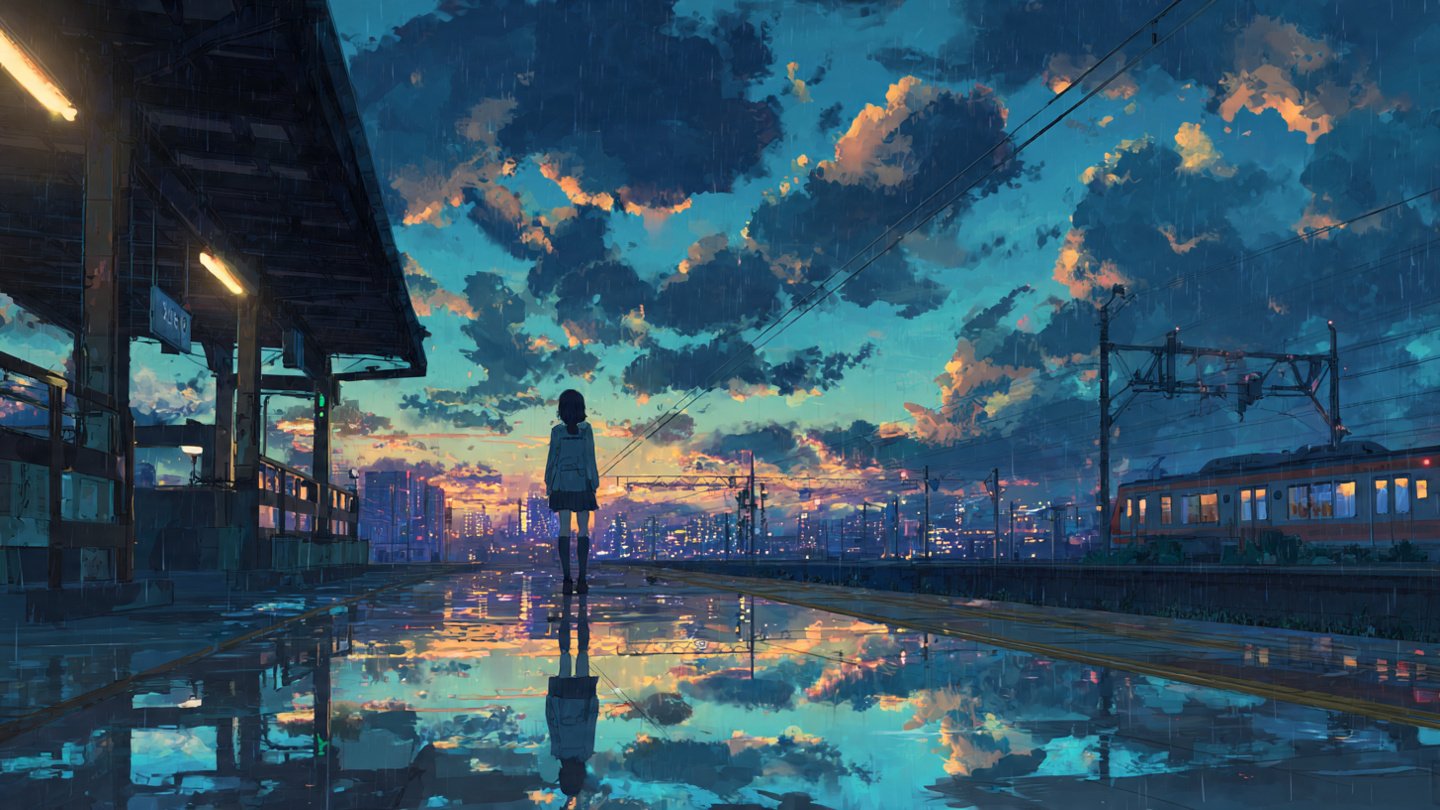
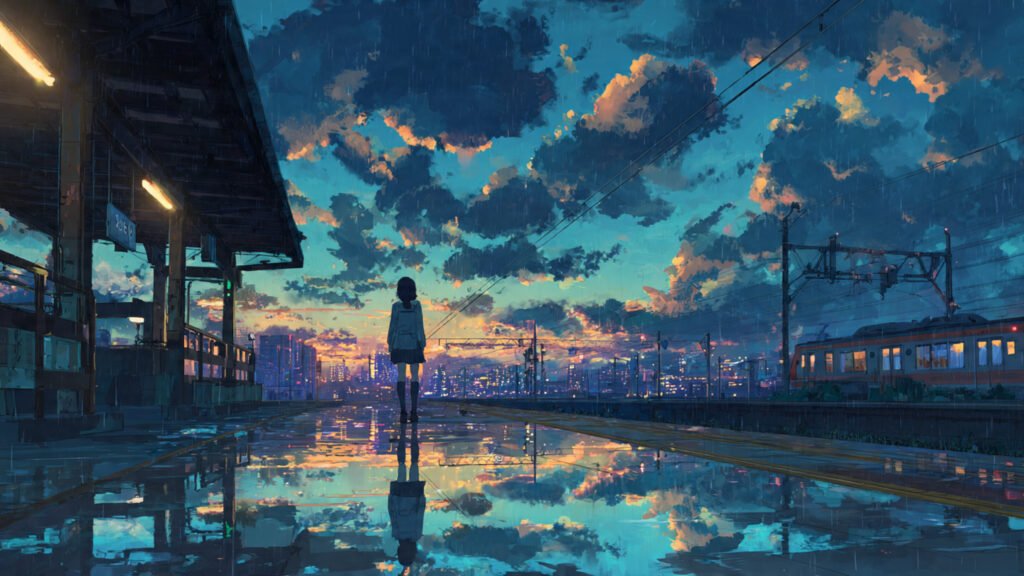
Midjourney has a specific mode for anime called “Niji,” but you can achieve great results in any model with the right prompts. The key is citing specific animation studios or art styles to guide the aesthetic.
The Theory:
“Anime” is too broad. “Studio Ghibli” means soft, painterly, and nostalgic. “Ufotable” means sharp, digital, and effects-heavy. Be specific.
The Formula:
[Character Description] + [Action/Pose] + [Studio Style/Artist Reference] + [Effects] + [–niji 6]
The Example:
[A young cybernetic girl with glowing headphones fixing a robot] + [dynamic crouching pose, sparks flying] + [anime style by Makoto Shinkai and Katsuhiro Otomo, detailed background city skyline] + [chromatic aberration, lens flare, vibrant colors] + [high quality, masterwork, –niji 6 –ar 16:9]
The Secret Ingredient: Iteration
These formulas are starting points, not finish lines. The magic happens when you tweak the variables. Change the “85mm lens” to a “Fish-eye lens” in the Portrait formula and see how the mood shifts from dignified to chaotic. Change “Studio Lighting” to “Bioluminescent” in the Product formula.
The beauty of AI art is that it is free to experiment. You don’t burn film. You don’t waste paint. You just burn credits.
If you find yourself stuck or if these formulas feel too complex to type out manually every time, head over to Promptsera. Our tools are built on these exact architectural principles, allowing you to generate sophisticated, error-free prompts in seconds just by entering your core idea.
Stop fighting the algorithm. Speak its language.