
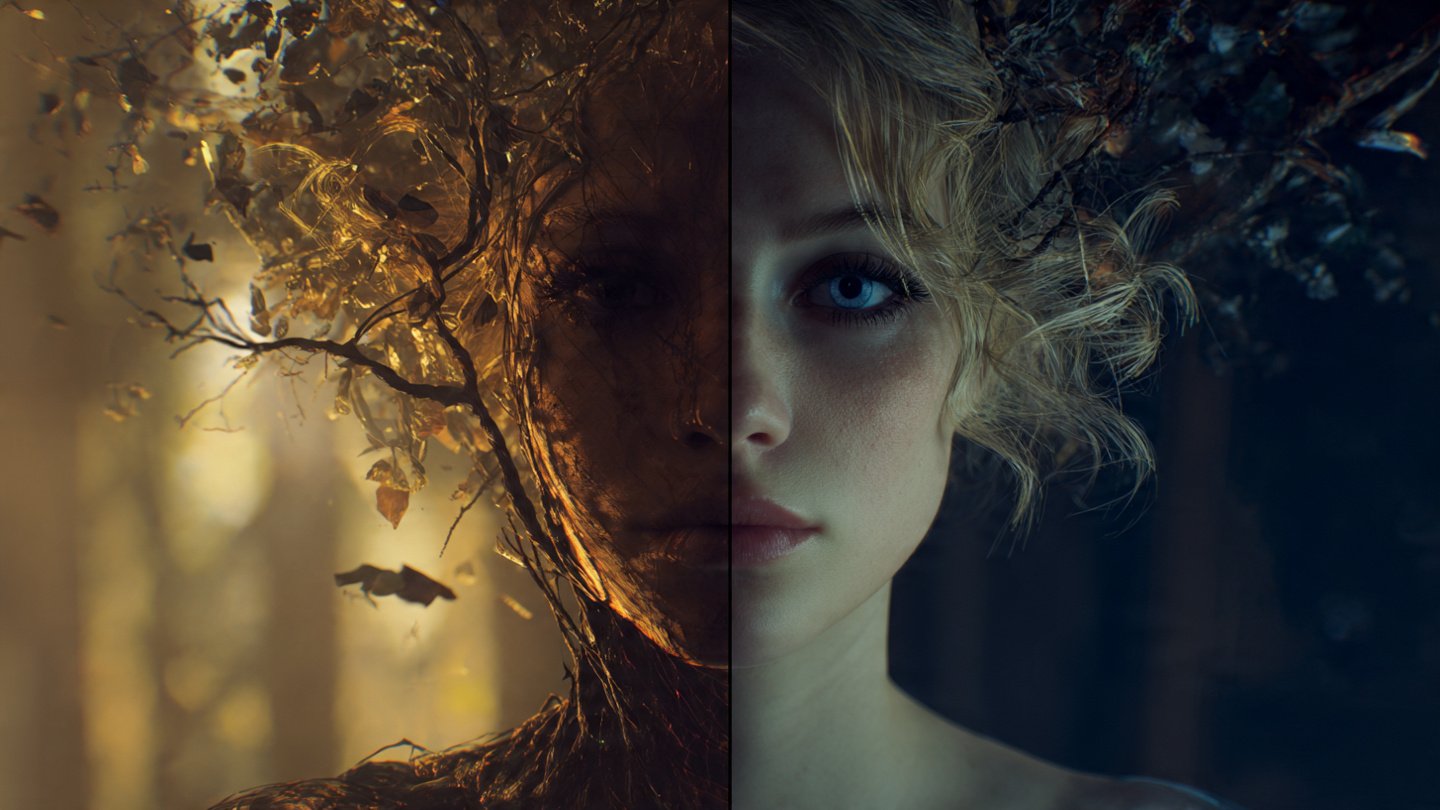
The “Frankenstein” Problem in AI Art
We have all tried it. You take a picture of your dog. You take a picture of a spacesuit. You throw them both into Midjourney’s /blend command or an img2img workflow, expecting a cinematic masterpiece.
What do you get? A dog with three legs floating in a spaghetti nebula.
The problem isn’t the AI’s ability to draw; it’s the AI’s ability to understand relationships. When you simply smash two images together without a semantic bridge, the model guesses. It doesn’t know you want the lighting from Image A and the composition from Image B. It just mixes the pixels like a blender.
To get professional results—consistent character design, precise style transfer, or clean product mockups—you need more than a simple blend. You need a Semantic Bridge. You need a text prompt that explicitly tells the AI how to fuse the DNA of two different visuals.
This is exactly what the Promptsera Image Mixer does. It uses multimodal AI to analyze the “soul” of one image and the “vibe” of another, writing a unified prompt that forces the generator to follow your logic.
Here is how to master the art of image fusion.
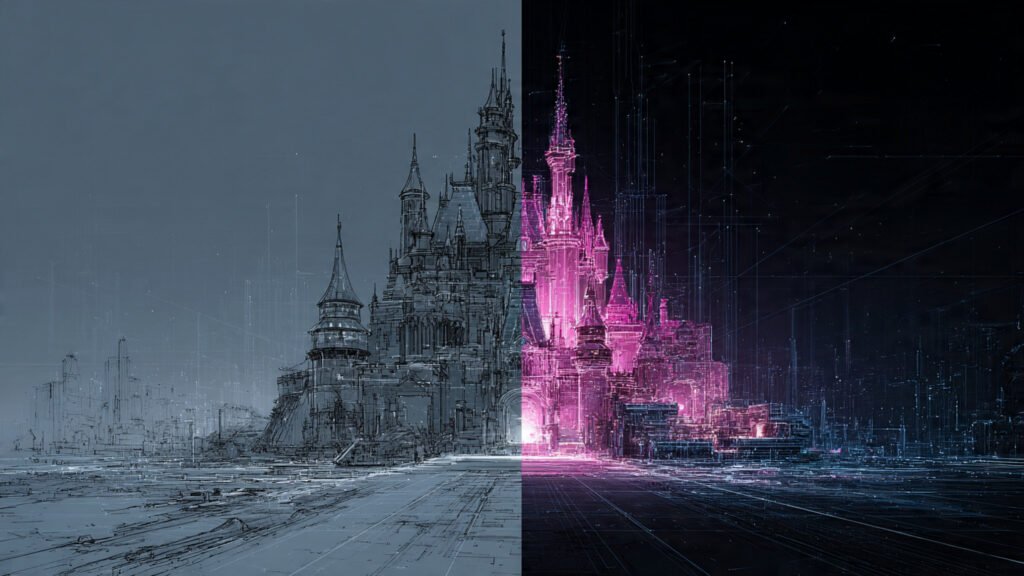
Why “Blind Blending” Fails
Most users rely on the “slot machine” method. They upload two images and hit generate until something cool happens. This is fine for hobbies, but it’s a nightmare for professional workflows.
The Missing Context
If you upload a photo of a “Victorian Lady” and a “Cyberpunk City,” Midjourney might put the lady in the city, or it might turn the city into a dress. It doesn’t know the hierarchy.
By generating a text prompt first, you establish the rules. You are telling the model:
“Subject: Victorian Lady. Context: Cyberpunk City. Lighting: Neon Blue. Style: Photorealistic.”
This is where the Merge Two Images Tool shines. It extracts these specific tokens so you don’t have to guess them.
Step 1: The “Subject vs. Style” Framework
Before you even open the tool, you need to decide the role of each image. Successful merges usually fall into one of these three categories:
1. The Texture Swap (Subject + Art Style)
You have a boring photo of a car. You have a wild, abstract oil painting.
- Goal: Keep the car’s shape but paint it with the brushstrokes of the second image.
- Prompt Strategy: The prompt needs to describe the car physically but use the medium keywords (e.g., “impasto,” “thick brushwork,” “palette knife”) from the painting.
2. The Lighting Heist (Subject + Atmosphere)
You have a great portrait, but the lighting is flat. You have a moody film still from Blade Runner.
- Goal: Keep the person, steal the lighting.
- Prompt Strategy: The prompt focuses on “volumetric fog,” “neon rim light,” and “shadow depth,” ignoring the actual content of the film still.
3. The Chimera (Concept + Concept)
This is the hardest one. A cat + A tank.
- Goal: A cat-tank hybrid.
- Prompt Strategy: The prompt must describe the fusion explicitly: “A feline battle tank, treads made of paws, turret resembling a cat head.”
Step 2: Generating the Bridge Prompt
Now, let’s use the tool to do the heavy lifting. Instead of racking your brain for adjectives, let the AI analyze the inputs.
- Go to the Merge Two Images into One AI Prompt tool.
- Upload Image A (The Anchor): This is usually your main subject (the character, product, or logo).
- Upload Image B (The Modifier): This is the style, background, or lighting reference.
- Add Directional Notes: This is crucial. Don’t leave it blank. Type something like: “Keep the pose from Image 1, but apply the watercolor style of Image 2.”
The tool will output a dense, token-rich prompt.
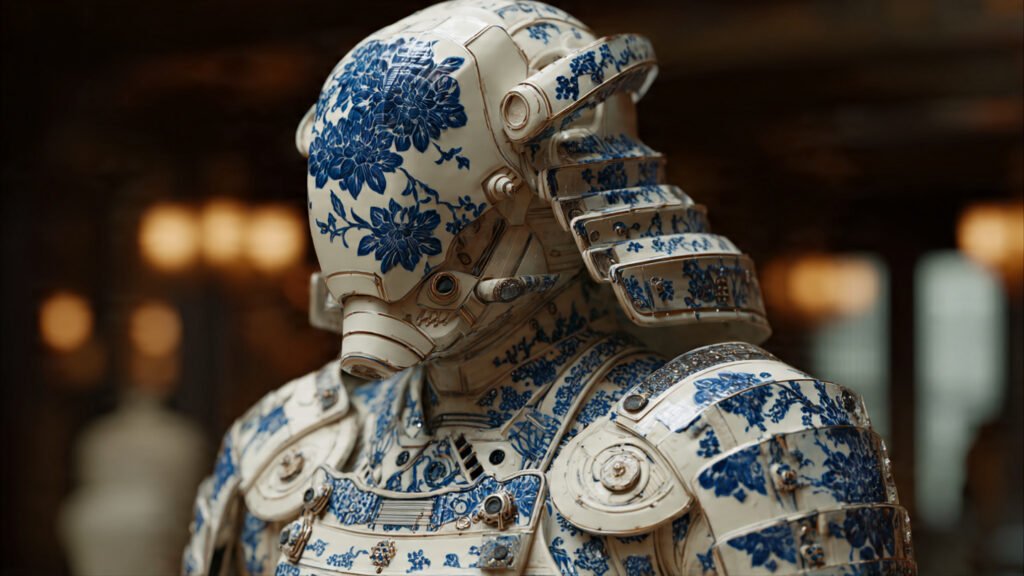
Step 3: The “Golden Ratio” Formula
Once you have the text prompt from the tool, you can structure it manually to refine the results further. We call this the Fusion Formula.
[Subject of Image A] + [Action/Pose of Image A] + [Art Style/Medium of Image B] + [Lighting/Color Palette of Image B] + [–iw 1.5]
Example: The Cyber-Noir Detective
Let’s say Image A is a black-and-white photo of a detective. Image B is a screenshot of a neon sign.
[A weary detective in a trench coat, smoking a cigarette] + [slumped posture, looking down] + [cyberpunk aesthetic, vibrant neon pink and blue color palette, wet pavement reflections] + [hard rim lighting, deep contrast shadows] + [shot on 35mm anamorphic lens, –ar 16:9 –v 6.0]
Notice how we stripped the “color” from the detective description and replaced it with the “neon” from the second image? That is precise control.
Advanced Technique: Image Weights (–iw)
If you are using Midjourney, the generated text prompt is powerful, but you can make it invincible by attaching the original image URLs to the front of the prompt and using Image Weights.
- –iw 0.5: The text prompt takes priority. The images are just faint suggestions.
- –iw 2.0: The images are the law. The text prompt is just a helper.
If the tool gives you a prompt and the result looks too much like the style (Image B) and loses the subject (Image A), lower the weight or move the Subject keywords to the very front of the prompt.
Conclusion: Remix, Don’t Just Mix
The era of random AI generation is ending. The creators who stand out are the ones who can control the output. Merging images is one of the most powerful workflows in generative art because it allows you to stand on the shoulders of giants—taking the best parts of existing visuals and remixing them into something new.
Don’t let the algorithm guess your vision. Force it to see what you see.
Head over to the PromptSera Image Mixer, upload your assets, and start building your own semantic bridges today.

)